SilverTech User Guide
A calm, step-by-step guide with pictures of every screen. Read it in English, Spanish or Portuguese.
Read the guide in:
Welcome to SilverTech
SilverTech is a friendly helper. Everything has large text, big buttons and a voice that can read the screen out loud to you.
Nothing here can break. If a page ever feels confusing, tap Home and start again. Take all the time you need.
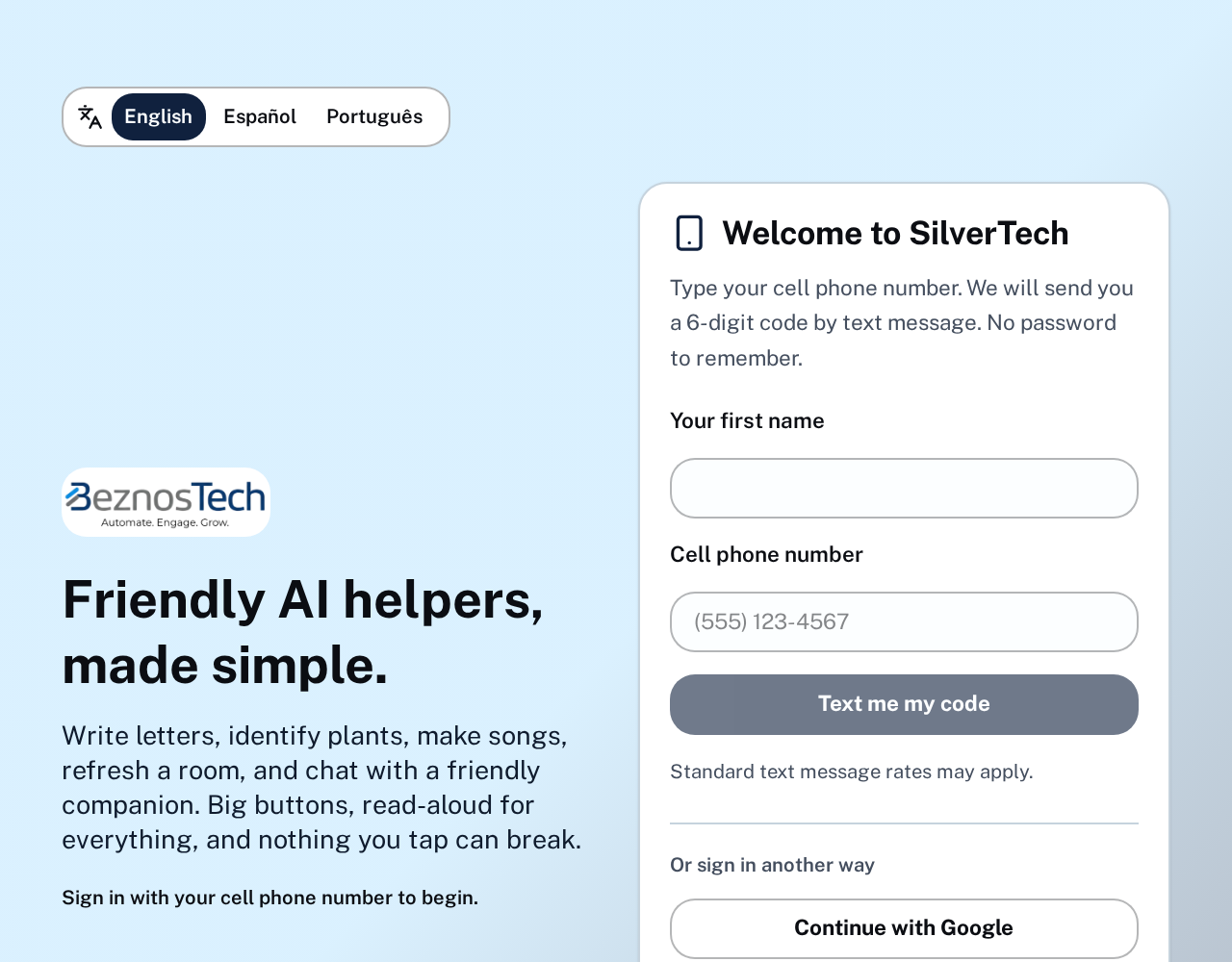
1. Signing in
You sign in with your cell phone number. We text you a short code, you type it in, and you are in. You can also use Google or ask for a sign-in link by email.
- Type your cell phone number and tap Send my code.
- Open your text messages and read the 6 numbers.
- Type the numbers and tap Enter.
- Your first 7 days are free.
2. The main screen
After signing in you see all the helpers as picture cards. Tap any card to open that helper. The buttons at the top take you Home, to plans, to this guide, and to your account.
- Use Language at the top right to switch between English, Spanish and Portuguese.
- Reading voice lets you pick a man's or a woman's voice.
- A− and A+ make the writing smaller or bigger.

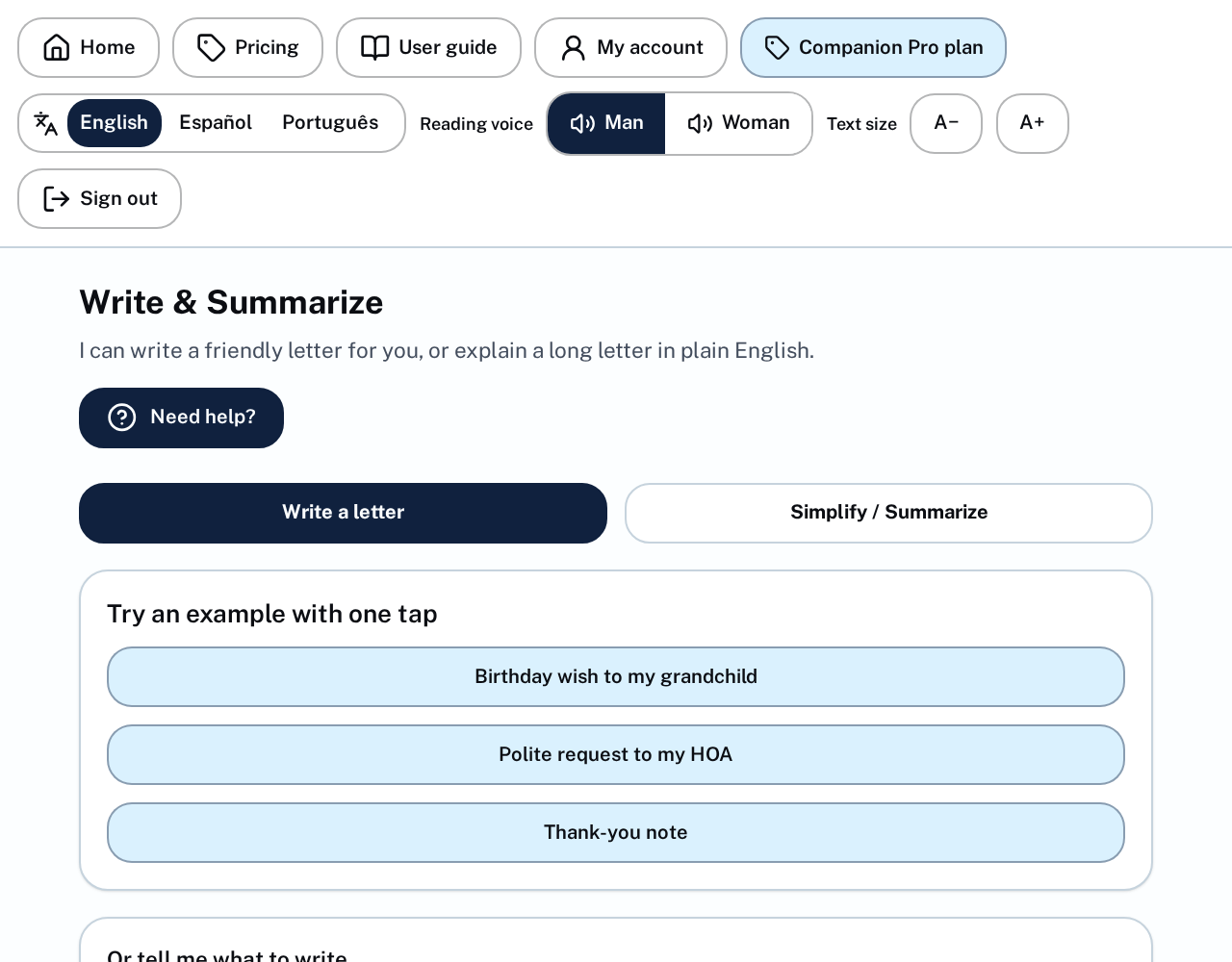
3. Write & Summarize
This helper writes letters, notes and messages for you, and shortens long text into a few clear lines. You can also upload a document or a photo of a letter.
- Pick an example, or type what you need.
- Prefer talking? Tap Say it instead and speak.
- Tap Copy to use the result anywhere.
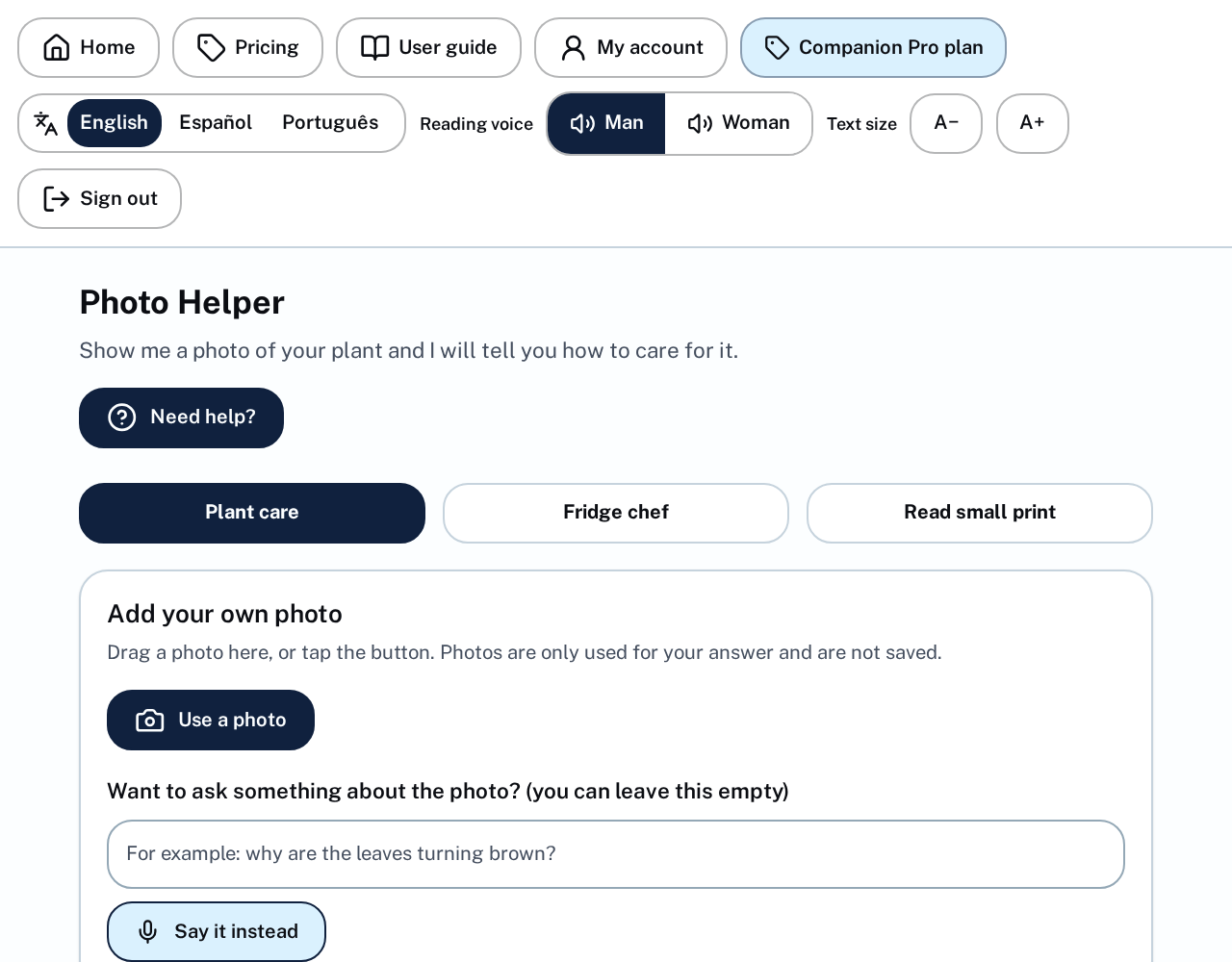
4. Photo Helper and Read Small Print
Take a picture of a plant, a meal, a label, a menu or a letter. SilverTech tells you what it sees and explains the small print in simple words.
- Choose Photo helper or Read small print at the top.
- Take a photo or choose one from your phone.
- Add a question of your own if you like.
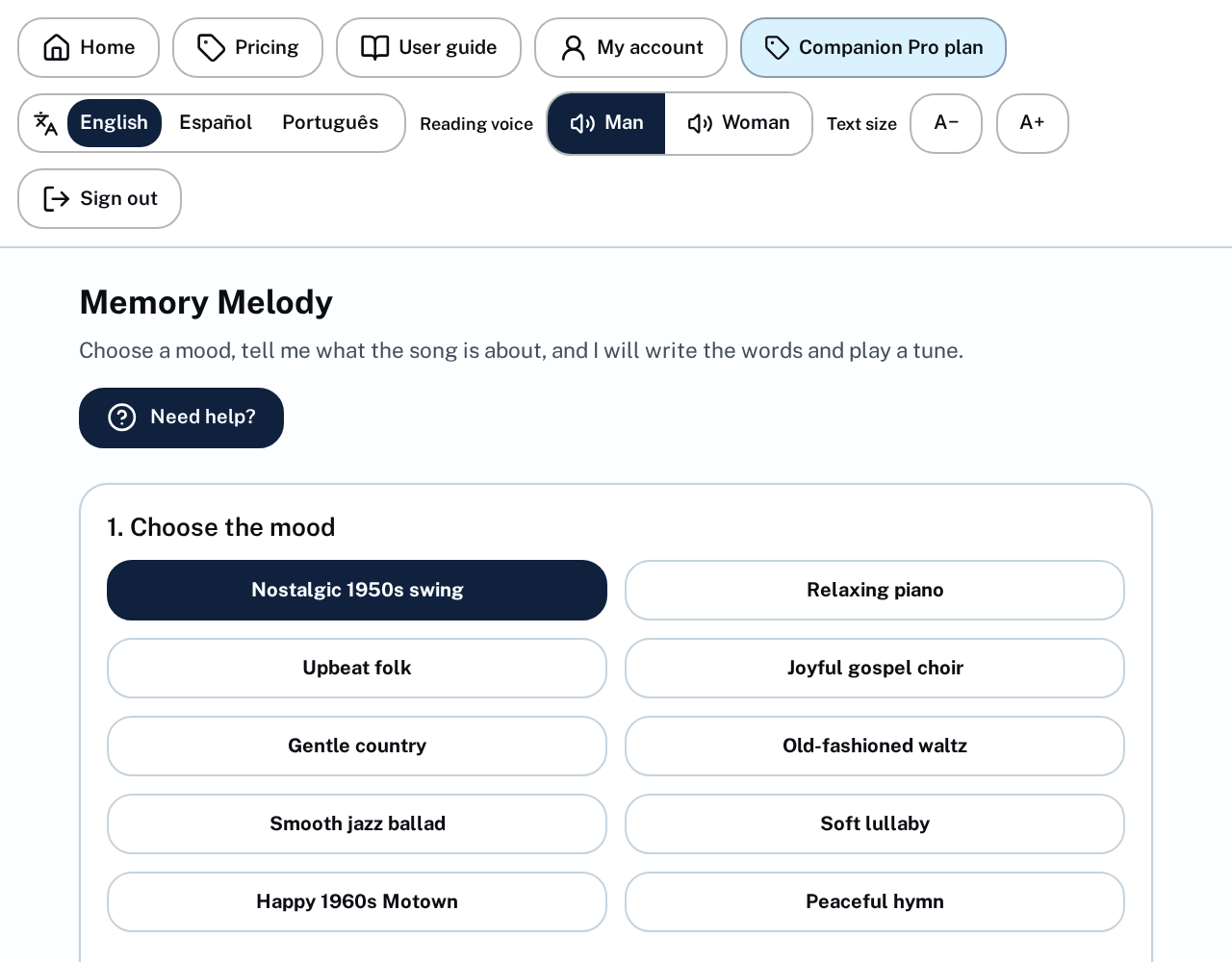
5. Memory Melody
Tell SilverTech about a memory and it writes and sings a real song about it. Pick a mood, add names and details, and listen or download it.
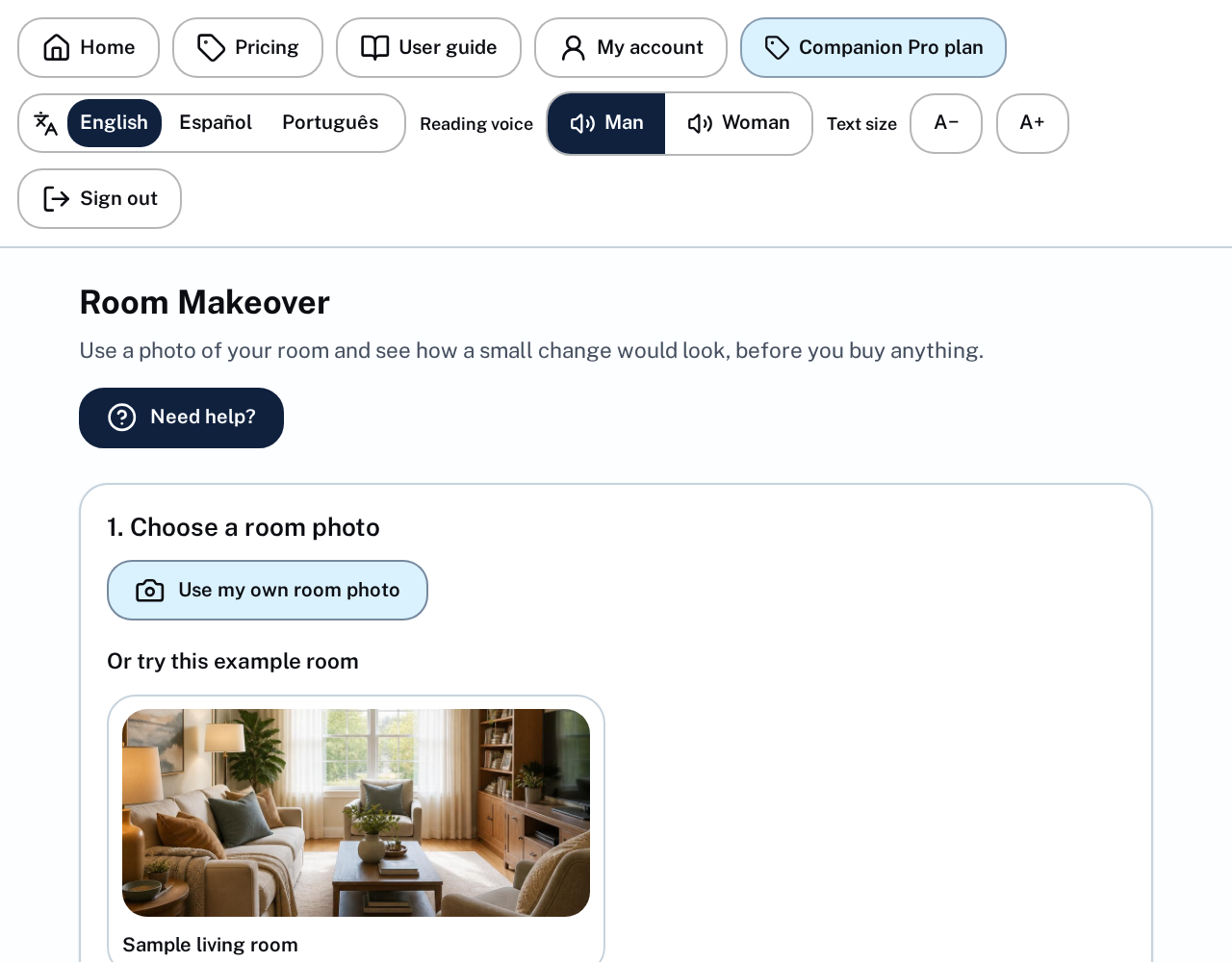
6. Room Makeover
Take a photo of a room and see it redecorated in a new style, side by side with the original. You can also describe exactly what you want changed.
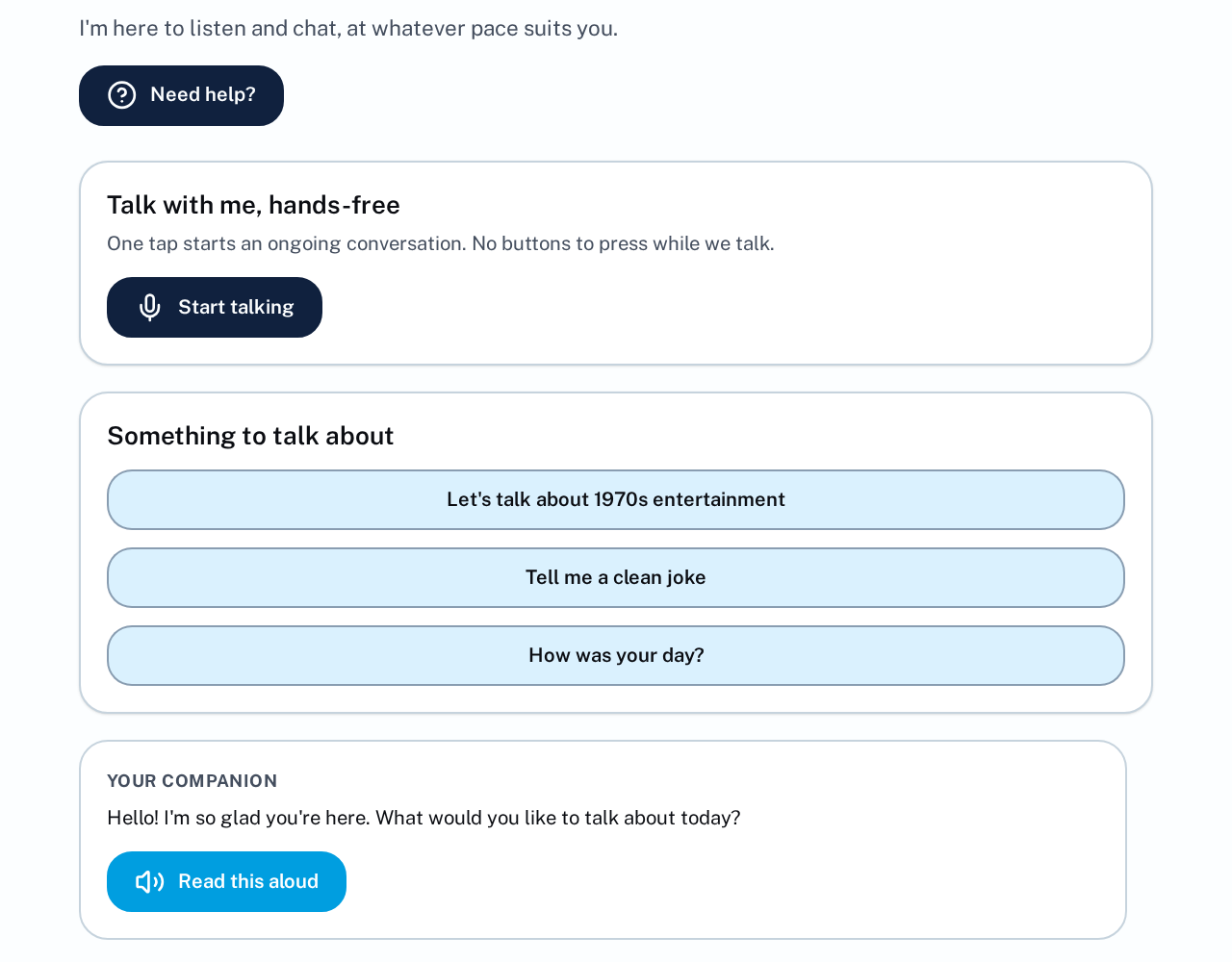
7. Companion Chat
This is a conversation. Just speak — you do not need to press anything. SilverTech listens, answers out loud, and waits for you again. Talk about anything, anytime.
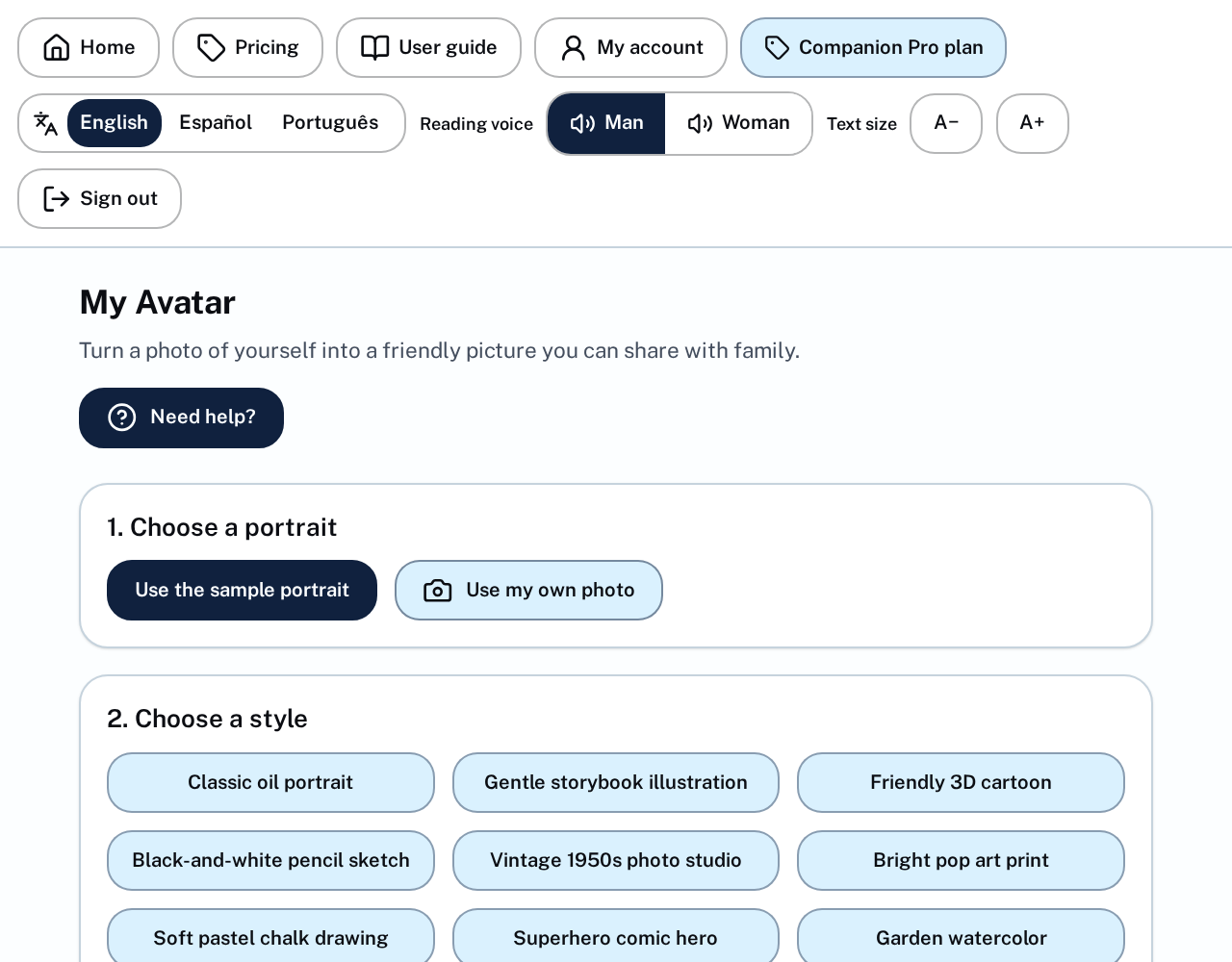
8. My Avatar
Send a photo of yourself and get a friendly portrait in the style you choose — a painting, a cartoon or a classic photo. Great for a profile picture.
9. Patient Teacher
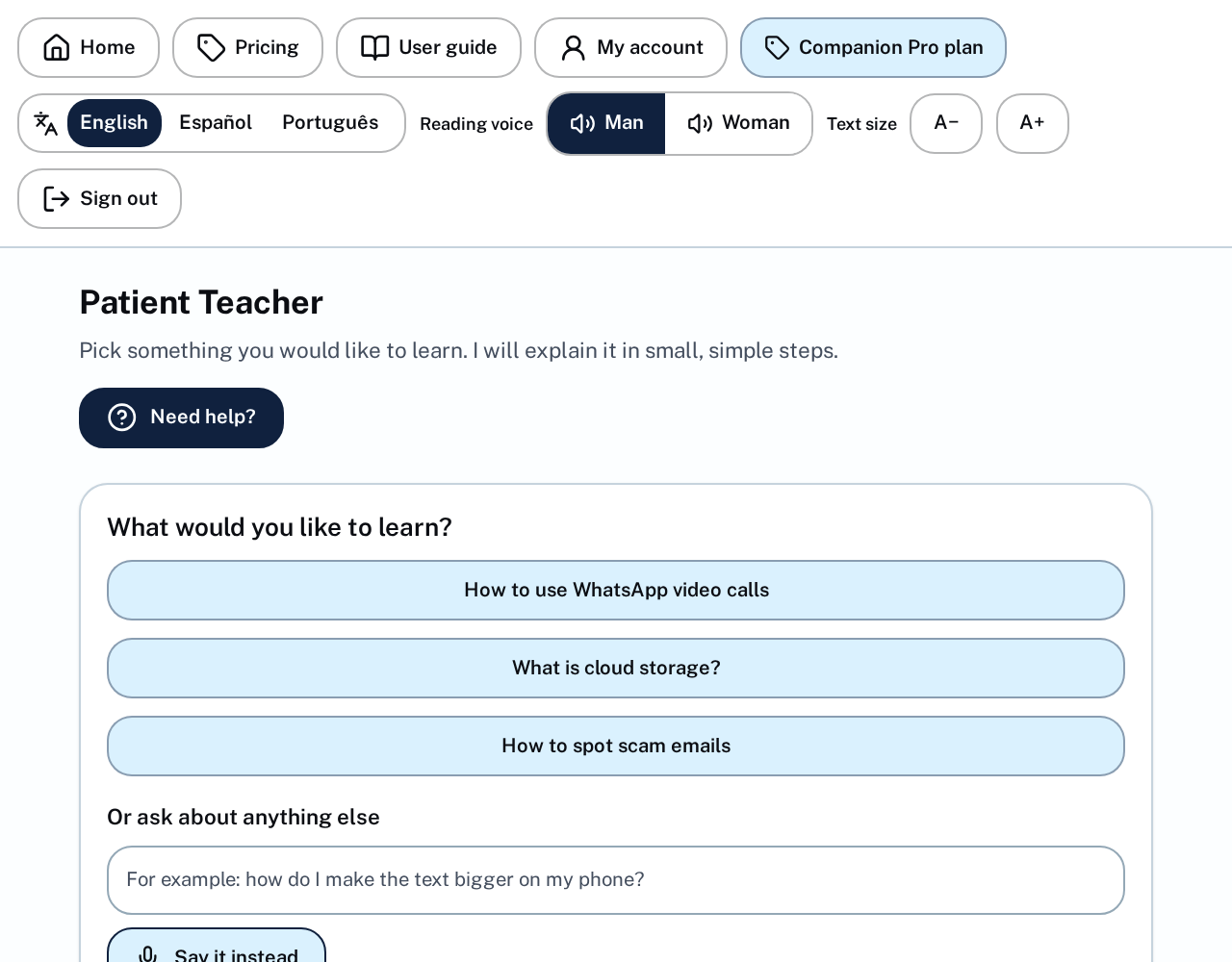
Ask anything at all — how to send a photo, what a word means, how something works. Answers come in short, simple steps, with no rushing and no judging.
10. Plans and free trial
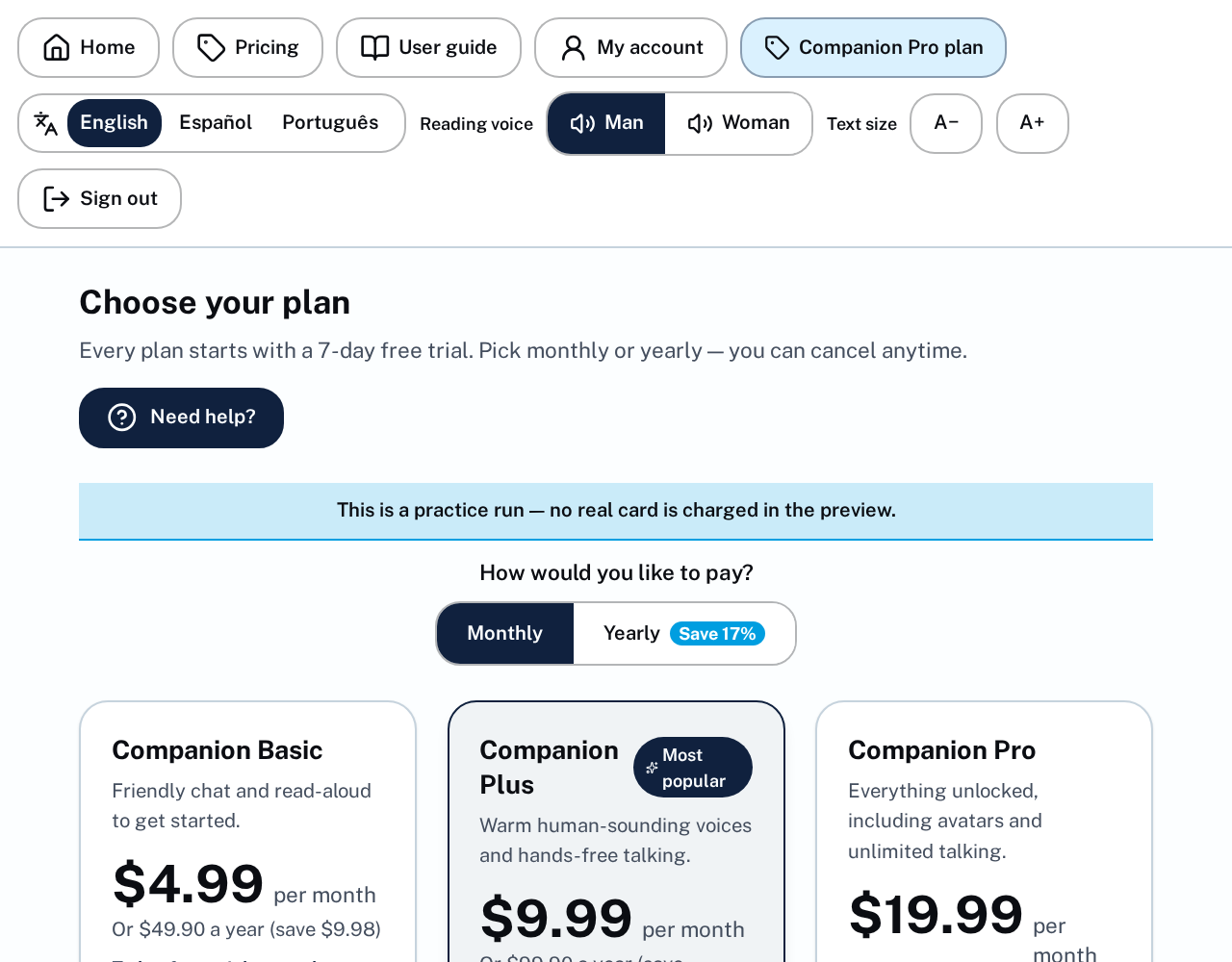
Every plan starts with 7 free days. Basic is the simplest, Plus adds the warm human-sounding voices and talking instead of typing, and Pro adds avatar pictures and unlimited use.
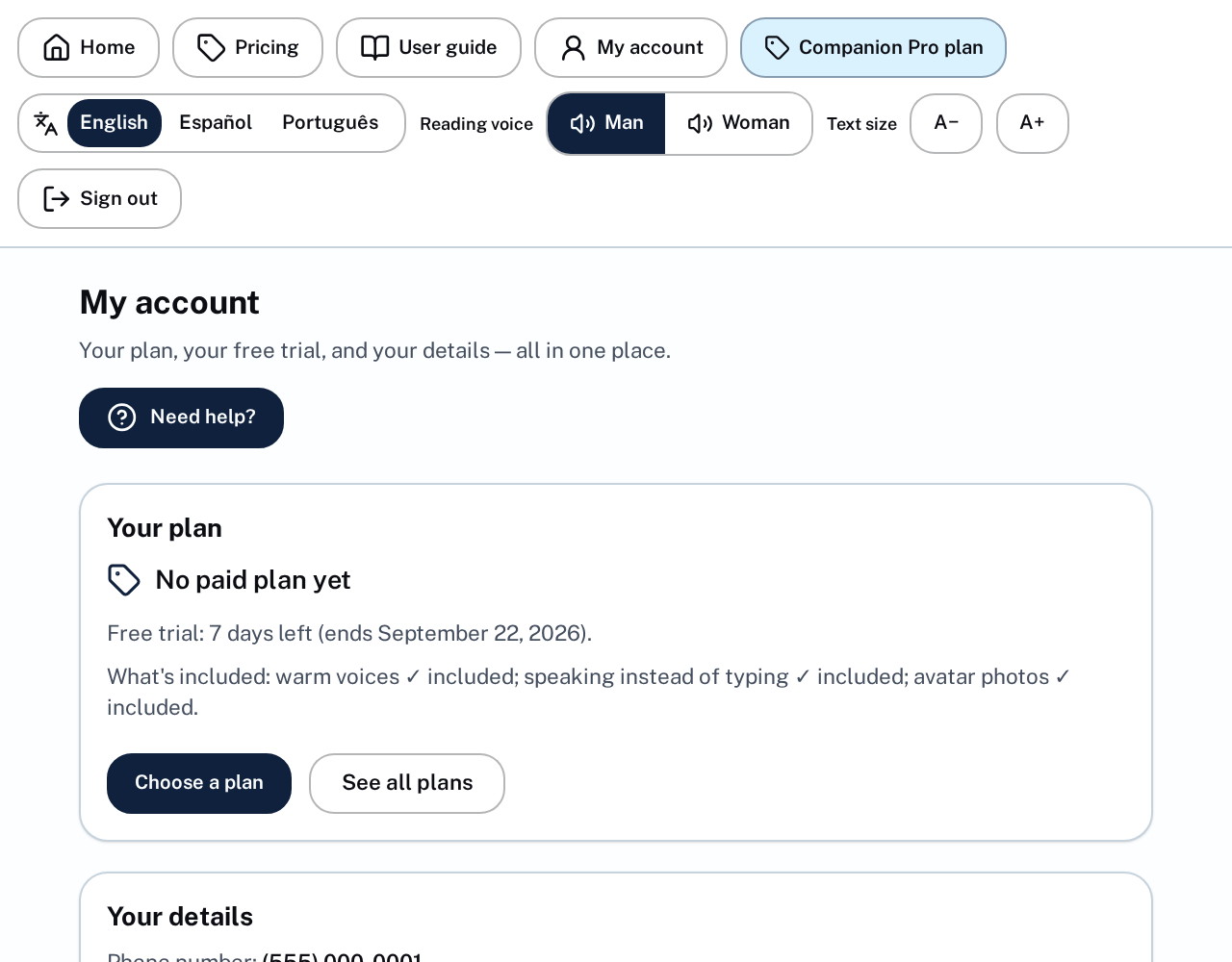
11. My account
Here you see your name, phone, email, your plan and when it renews or when your trial ends. You can change or cancel your plan at any time, and sign out.